Pegboard
Every tool has its place.
Field notes
A features section that is a workshop shadow board. Each feature is a tool on a peg over its painted outline: hover and it swings, click and it comes down to be turned over beside its card, then hangs back with a clack.
- 3D
- Pointer interaction
- Light theme
- Developer tool
Pegboard is the features section for Kerfline, a fictional deploy-and-run platform, drawn as a plywood pegboard in daylight. Eight steel-and-rubber tools hang on their hooks, each over its own painted silhouette with its feature stencilled beneath: a hammer for Deploy, a wrench for Integrations, a screwdriver for the API, pliers for Workflows, a spirit level for Monitoring, a tape measure for Analytics, a C-clamp for Security and a try square for Templates.
Hover a tool, or its button in the list below, and it swings on its hook. Click and it lifts off, arcs out and turns over in front of the board while the board slides aside for the feature card: a number, the title, a line of copy and three spec rows. Take another and they swap in mid-air; press Esc, the card's button, the empty outline or the bare board and it hangs back, swings and clacks. On a phone the board is two columns and the card sits beneath it. The list is the accessible section, the card a real dialog that takes and returns focus, reduced motion cuts every move, and without WebGL the list and the card are the page.
How it's built
- Every tool is a handful of rounded boxes, cylinders and tori hung from its hook at the origin. Its painted shadow is a clone of the same meshes flattened onto the board in matte paint, so the outline always matches the tool, whatever it is recoloured or swapped to.
- The board's face is one canvas texture used as colour and bump: plywood grain from a seeded random, a hole grid with a lit lip, and a stencil per feature drawn letter by letter at a fixed step, so the check can measure every label with the same numbers the texture paints with.
- The state keeps only when things were asked for (a take-down, a hang-back, a hover) and frame(state, t) derives every lift, turn and swing from it. A swing is a pendulum that dies away to exactly zero in 1.6 s and kicks add up, so hovering back and forth never makes a tool jump; a landing adds its own kick without a new event.
- A tool is three groups: one at the hook, one that swings about it, and one at the tool's centre that scales and turns, so it can swing on its peg and later turn over about its own middle. Whether any tool is out is its own event, so swapping tools mid-air keeps the camera still.
- The tour is the same state built from a script, so the preview and the live page share every line of motion; the first touch hangs the tour's tool back from wherever it is. A Node check builds every tool with three to prove nothing on either board overlaps, and asserts that second 10 equals second 0 and that nothing jumps in between, in 1 ms steps.
Inside the prompt
Every file below is written out in full, so your agent creates the project exactly — no guessing, no missing pieces.
pegboard-features/
├─ .gitignore
├─ check.ts
├─ index.html
├─ package.json
├─ tsconfig.json
├─ vite.config.ts
└─ src/
   ├─ App.tsx
   ├─ index.css
   ├─ main.tsx
   ├─ vite-env.d.ts
   ├─ components/
   │  ├─ Page.tsx
   │  └─ Scene.tsx
   ├─ lib/
   │  ├─ copy.ts
   │  ├─ layout.ts
   │  ├─ live.ts
   │  ├─ look.ts
   │  ├─ loop.ts
   │  ├─ time.ts
   │  └─ timeline.ts
   └─ scene/
      ├─ board.ts
      ├─ paint.ts
      └─ tools.ts
Recut it
- Rename the company and rewrite every string
src/lib/copy.ts + index.html → COMPANY / NAV / COPY / <title> - Your features: titles, copy and spec rows (4–8)
src/lib/copy.ts → FEATURES - Hang a feature on a different tool (each kind once)
src/lib/copy.ts → FEATURES[n].tool / toolName - Move a tool or its stencil on the board
src/lib/layout.ts → WIDE / TALL spots - Re-colour the plywood, the paint and the tools
src/lib/look.ts + src/index.css → WOOD / TOOL / --bg … - Retime the take-down, the hang-back and the swing
src/lib/look.ts → TIMING / HOLD - Turn the clack off
src/lib/look.ts → LOOK.sound - Retime the 10-second tour
src/lib/timeline.ts → TOUR - Check the loop still closes, the copy fits and nothing overlaps
check.ts → pnpm check
Also in the vault
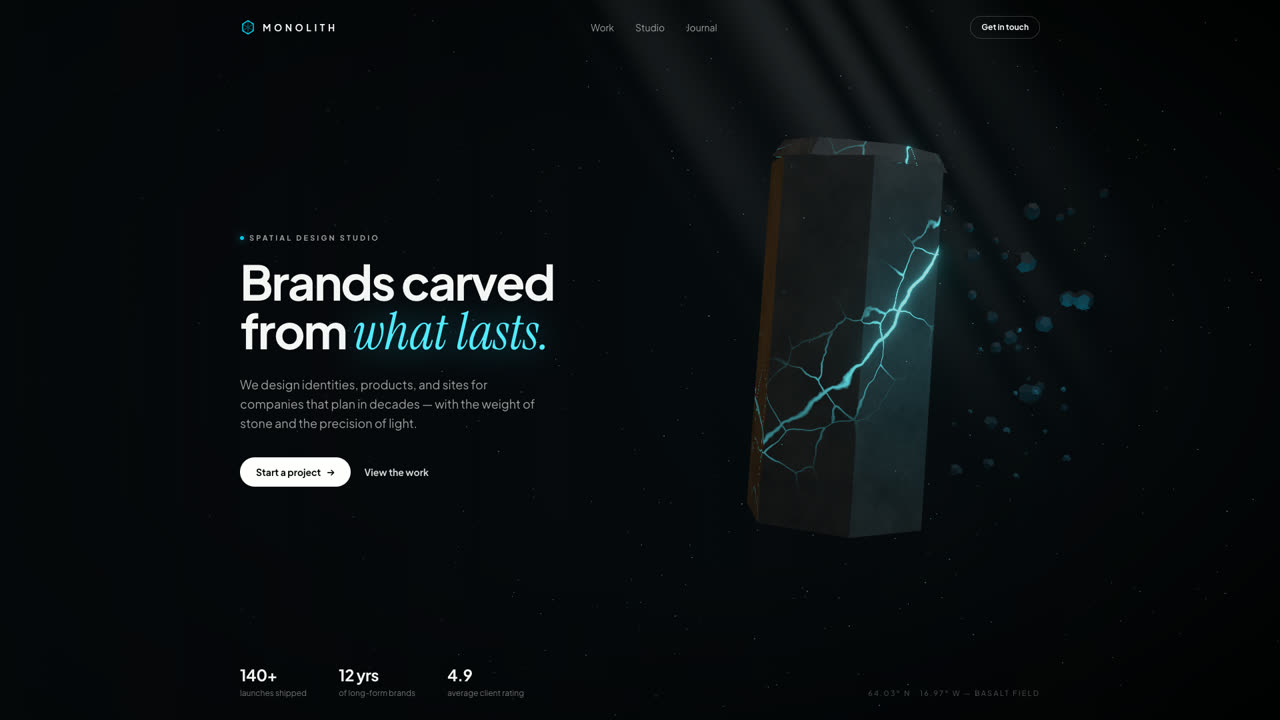
Monolith
Hero SectionA floating hexagonal basalt monolith split by glowing cyan fissures, with drifting debris, a light shaft, and pointer parallax. Procedural GLSL stone — no textures, no models, no network.
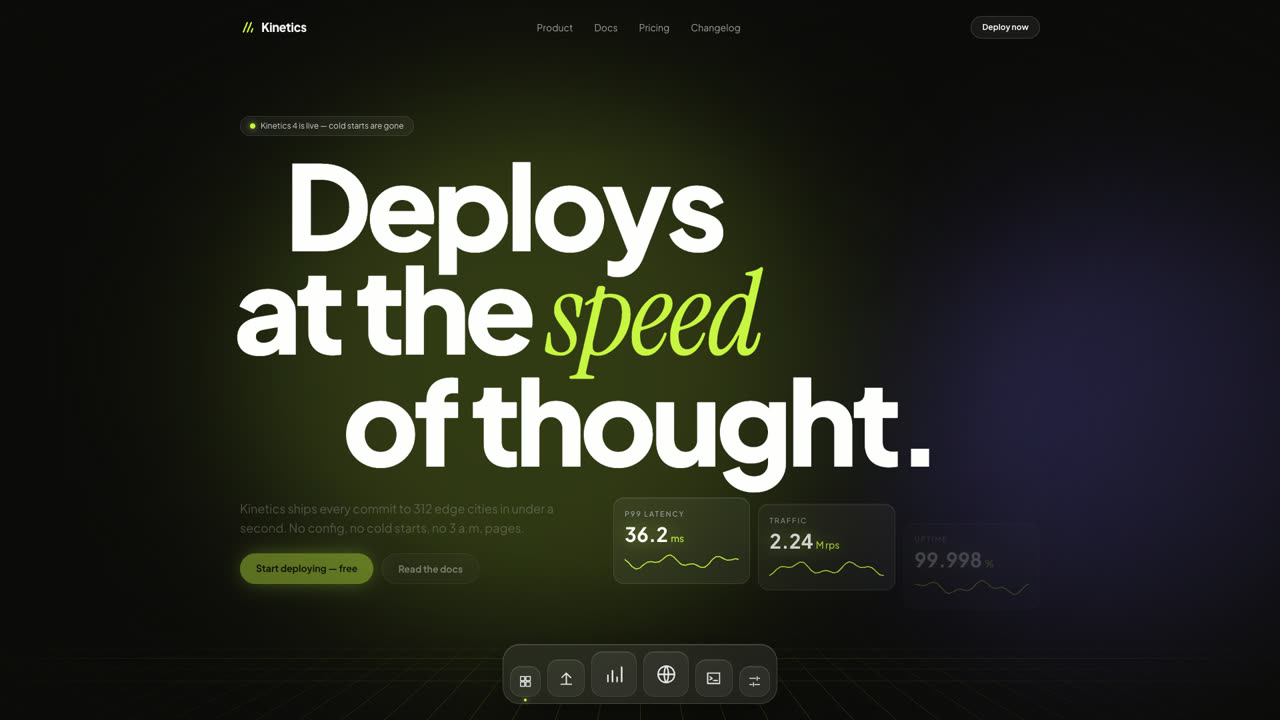
Kinetics
Hero SectionA dark SaaS hero where giant type slides with scroll inertia, glass stat cards tick like a live dashboard, and a frosted dock magnifies under the pointer. Pure DOM and Framer Motion — no canvas, no images.
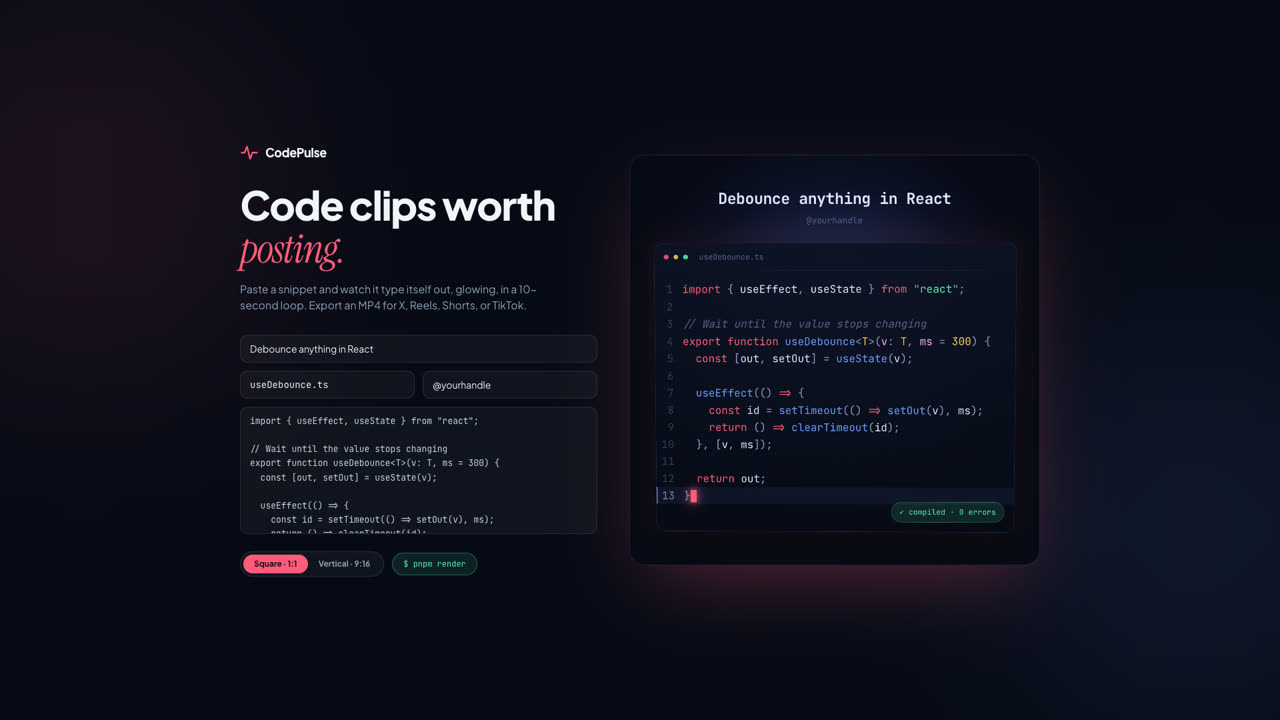
CodePulse
ToolPaste a snippet and export a glowing, typed-out code clip as MP4 — square for X, vertical for Reels, Shorts, and TikTok. A Remotion composition with VS Code-grade highlighting and a live browser preview.