Conveyor
A landing page you can jam.
Field notes
A SaaS landing page whose hero is a toy factory line in 3D. Boxes drop from a hopper, get scanned, pressed and packed, and ride off in trucks. Click a machine to stop it and the line backs up until the alarm goes; drag boxes off the belt, drop new ones, and scroll to walk the camera along the line, one feature per machine.
- 3D
- Scroll-driven
- Pointer interaction
- SaaS
- Light theme
Conveyor is the landing page of Outfeed, a fictional workflow-automation product, told as a miniature factory on a floating slab. A hopper drops a kraft box every beat. Intake scans it with a red beam, Shape presses it into a rounded product in one of four colours, Pack spins a ring around it and drops a lid on, and a chute slides it into a flatbed truck that drives off when it holds six. Each machine is a feature: click it, or its tag, and it stops. Boxes queue behind it, the 'waiting in line' number turns red, and when the queue reaches the hopper a beacon flashes and a pill says which step is holding everything up. You can also drag a box off the line, drop a new one by clicking the belt, and turn the whole scene.
Scroll and the camera glides along the line: one chapter per machine with its copy beside it, then the truck and the closing call to action. The three numbers under the hero are counted from the boxes in the scene, not from timers. Until someone clicks, scrolls or presses a key, a 12-second tour stops Intake, lets the alarm go and starts it again. Sound is synthesized and starts after the first click. It works by touch and by keyboard, reduced motion gets a still line with a Run button and no flashing, and without WebGL the page is the same landing page with no scene. The product name, the hero and chapter copy, the machines and the line speeds live in one file, and a Node check (pnpm check) says whether a change still lets the line run and the tour loop.
How it's built
- The line is a small simulation with no physics engine: each box is one number, its distance along the belt, and it never comes closer than a fixed gap to the box ahead. A stopped machine is a wall, so the backlog forms by itself.
- The simulation advances in fixed 1/60 s steps and holds every value the picture needs. Squashes, tips, puffs and fades are functions of how long ago something happened, so any state draws the same frame and the recorder can ask for any second.
- The demo tour is the same simulation with two timed inputs. Its starting state is found by running it until a loop repeats, and a Node check asserts that second 12 equals second 0, down to the truck's cargo.
- Everything is a Three.js primitive: rounded boxes, cylinders, one torus. The clay look is the rounded edges, one soft shadow light and three's RoomEnvironment, with no models, textures or HDR files.
- The three numbers under the hero, the machine tags and the alert are HTML, fed and positioned from the simulation every frame, so they are real text for screen readers and the tags are real buttons.
Inside the prompt
Every file below is written out in full, so your agent creates the project exactly — no guessing, no missing pieces.
conveyor-saas/
├─ .gitignore
├─ check.ts
├─ index.html
├─ package.json
├─ tsconfig.json
├─ vite.config.ts
└─ src/
   ├─ App.tsx
   ├─ index.css
   ├─ main.tsx
   ├─ vite-env.d.ts
   ├─ components/
   │  ├─ Page.tsx
   │  └─ Scene.tsx
   ├─ lib/
   │  ├─ line.ts
   │  ├─ look.ts
   │  ├─ loop.ts
   │  ├─ sfx.ts
   │  ├─ sim.ts
   │  ├─ time.ts
   │  └─ timeline.ts
   └─ scene/
      ├─ build.ts
      ├─ draw.ts
      └─ stage.ts
Recut it
- Rename the product and rewrite the hero, the chapters and the closing copy
src/lib/line.ts → PRODUCT / MACHINES / SHIP - Change the belt speed, the beat, the dwell times or the truck size
src/lib/line.ts → LINE / MACHINES[].dwell - Re-skin every colour and the lighting
src/lib/look.ts → MATS / LIGHT - Reshape a machine, the truck or the props
src/scene/build.ts → build() - Move the camera stops for each chapter
src/scene/stage.ts → STOPS - Retime the demo tour
src/lib/timeline.ts → TOUR - Check the line still runs and loops after any change to its numbers
check.ts → pnpm check - Change or mute the sounds
src/lib/sfx.ts → WORK / hear()
More in Landing Page
All landing page templates →
Strata
Landing PageScroll and the camera sinks down a shaft of hexagonal basalt columns, past four chapters, to a molten core. Instanced Three.js prisms, one small lava shader, and a scroll spring: no models, no textures.
Cairn
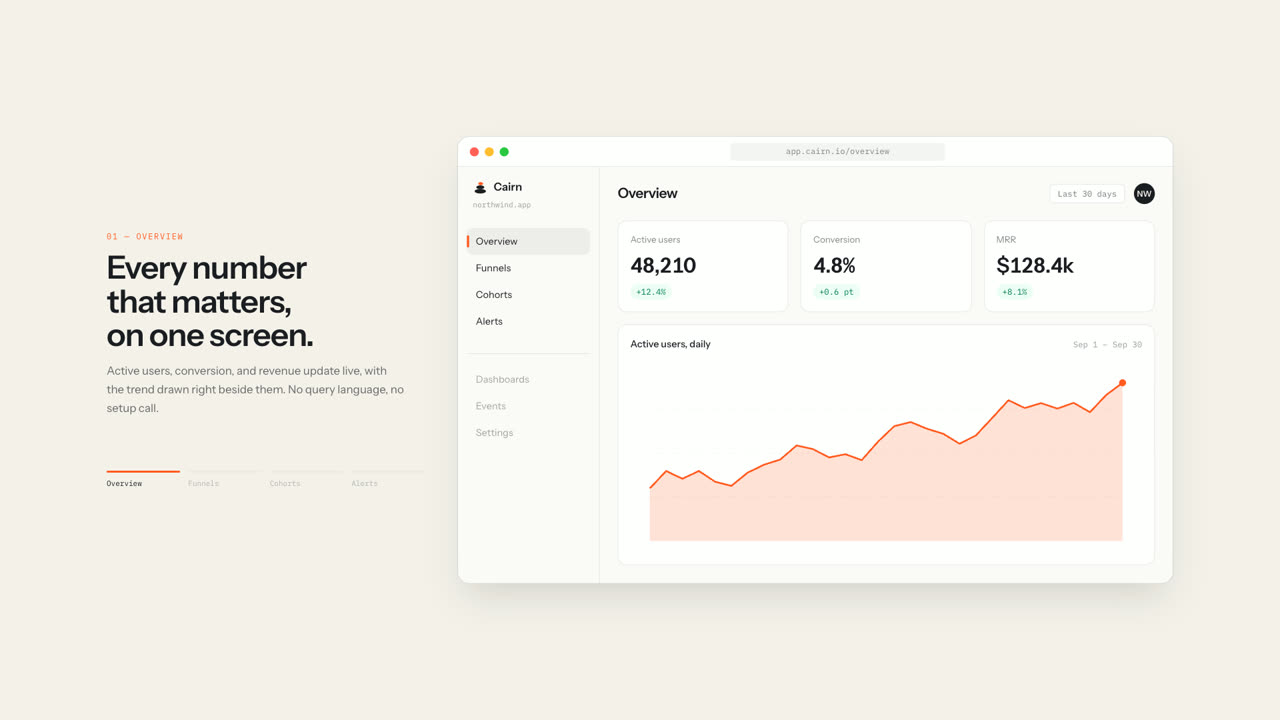
Landing PageA complete SaaS landing page where the app window pins in place and changes screens as you scroll: KPIs count up, a funnel grows, a cohort grid fills in, an alert fires. Every chart is hand-built HTML and SVG. No chart library, no images, no WebGL.
Meridian
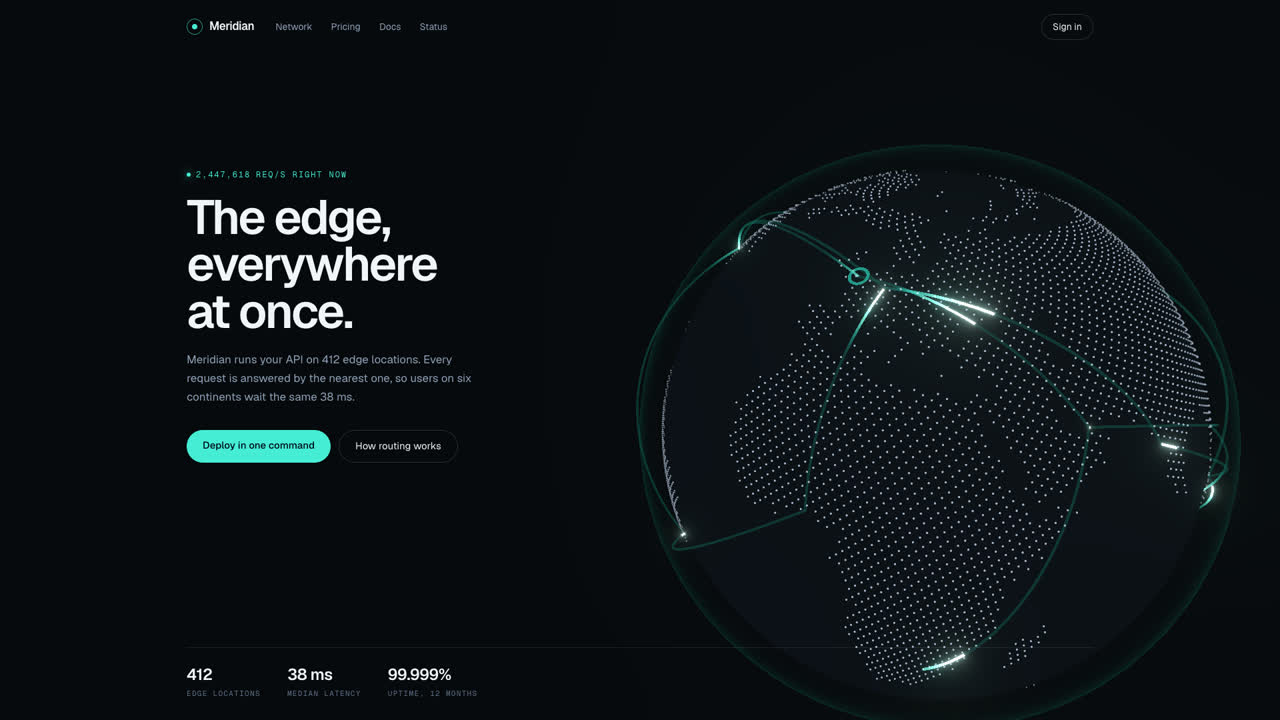
Landing PageA dark hero for an API or infra product: a dotted globe drawn from real coastlines, with traffic arcs firing between cities and landing in a ping. Drag to spin it. No models, no textures, no map requests.