Atelier
Brands with a steady hand.
Field notes
A three-page design studio site: hover the work index and each project's photo wipes up under the cursor and leans with its speed; click and the photo rises over the page on a liquid edge and becomes the case study. Every other link crosses under an ink veil. One raw WebGL2 shader, no router.
- WebGL shader
- Page transitions
- Pointer interaction
- Portfolio
- Light theme
Atelier is the site of a fictional design studio in Lisbon and Oslo: a home page with the work index, a case study for each of six projects, and a studio page with services, clients and contact. Hover a row and its photo wipes up under the cursor over the last one, sheared by how fast you move. Click it and the same photo rises over the page behind a wavy vermilion edge, then fades into the case study's full-bleed hero, so the picture you chose is the page you land on. Index, Studio and Back to index cross under an ink veil instead.
The routes are hash links, so the build runs from any folder and the browser's back button works. Until someone moves the mouse, scrolls or touches the page, the home page plays its own 12-second tour. The six photos are hosted with CORS open so the prompt rebuilds anywhere, and your own projects are one list in one file. Anyone who prefers reduced motion gets instant page changes and still headlines.
How it's built
- One full-screen pass draws both layers: a WebGL2 fragment shader paints the hover preview inside a rectangle that follows the cursor, then the veil over it, and writes premultiplied colour so the canvas sits over the page with pointer-events off.
- The preview leans with the cursor: horizontal speed shears the rectangle, vertical speed stretches it, and a sine ripple grows with both. A new row's photo wipes up from the bottom over the last one, so switching rows never flashes empty.
- The veil is two noise-bent edges travelling up the screen: progress 0 → 1 moves the leading edge to cover, 1 → 2 moves the trailing edge to uncover, and a vermilion band rides each edge and thins to nothing when the screen is fully covered.
- The photo veil cover-fits the project's photo at full screen and zooms from 1.18 to 1, which is where the case study's object-cover hero sits; the route switches under full cover and the veil fades out, hiding any pixel difference.
- The demo and live input both produce one Frame (cursor, hover, preview, veil, headline timing, scroll), so the recorder steps the same code the visitor sees, and the route change is committed with flushSync before the frame is drawn.
Inside the prompt
Every file below is written out in full, so your agent creates the project exactly — no guessing, no missing pieces.
atelier-agency/
├─ .gitignore
├─ index.html
├─ package.json
├─ tsconfig.json
├─ vite.config.ts
└─ src/
   ├─ App.tsx
   ├─ index.css
   ├─ main.tsx
   ├─ vite-env.d.ts
   ├─ components/
   │  ├─ Header.tsx
   │  └─ Veil.tsx
   ├─ lib/
   │  ├─ frame.ts
   │  ├─ loop.ts
   │  ├─ motion.ts
   │  ├─ projects.ts
   │  ├─ route.ts
   │  ├─ shaders.ts
   │  └─ timeline.ts
   └─ pages/
      ├─ Home.tsx
      ├─ Studio.tsx
      └─ Work.tsx
Recut it
- Put in your own projects, photos and case study text
src/lib/projects.ts → PROJECTS - Rename the studio and change the nav
src/components/Header.tsx → Header() - Rewrite the studio page: services, clients, address
src/pages/Studio.tsx → SERVICES / CLIENTS - Change the veil's edge, band width and preview lean
src/lib/shaders.ts → edge() / FRAG - Speed up or slow down page transitions
src/lib/motion.ts → COVER / UNCOVER / IMAGE_FADE - Change the colours and fonts
src/index.css → @theme - Retime the demo tour
src/lib/timeline.ts → HOVERS / IMAGE_IN / INK_IN
Also in the vault
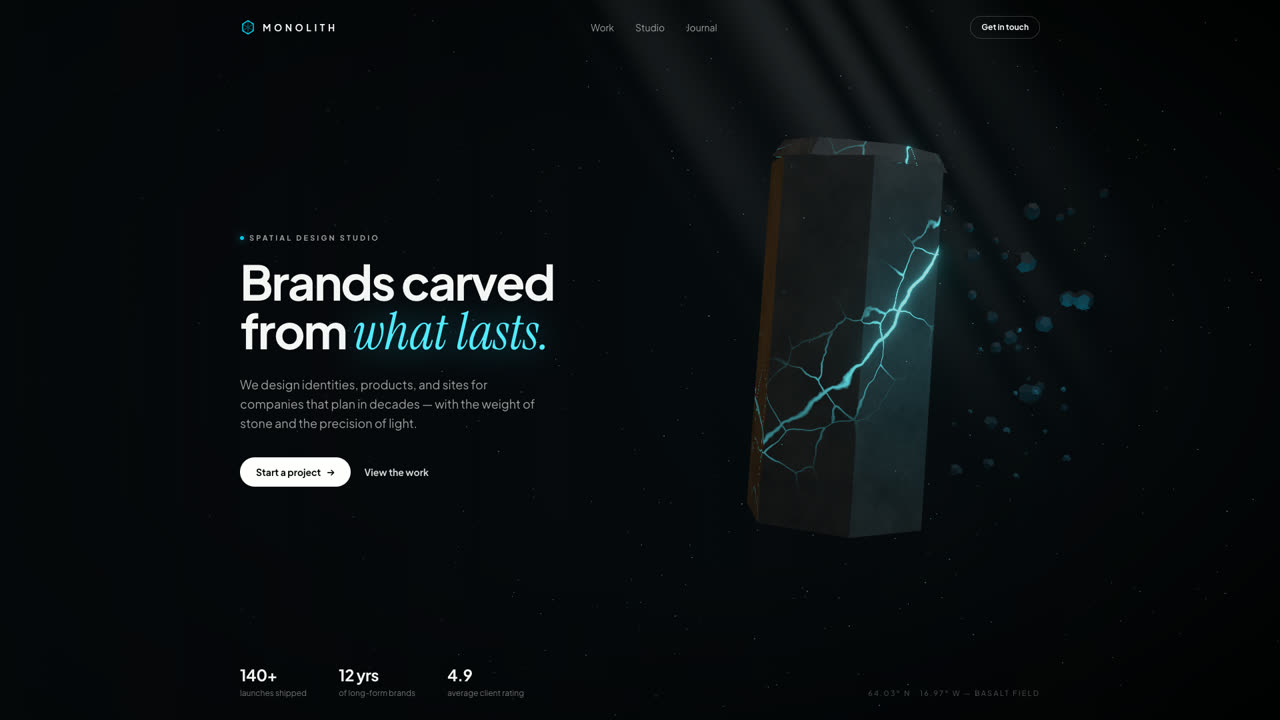
Monolith
Hero SectionA floating hexagonal basalt monolith split by glowing cyan fissures, with drifting debris, a light shaft, and pointer parallax. Procedural GLSL stone — no textures, no models, no network.
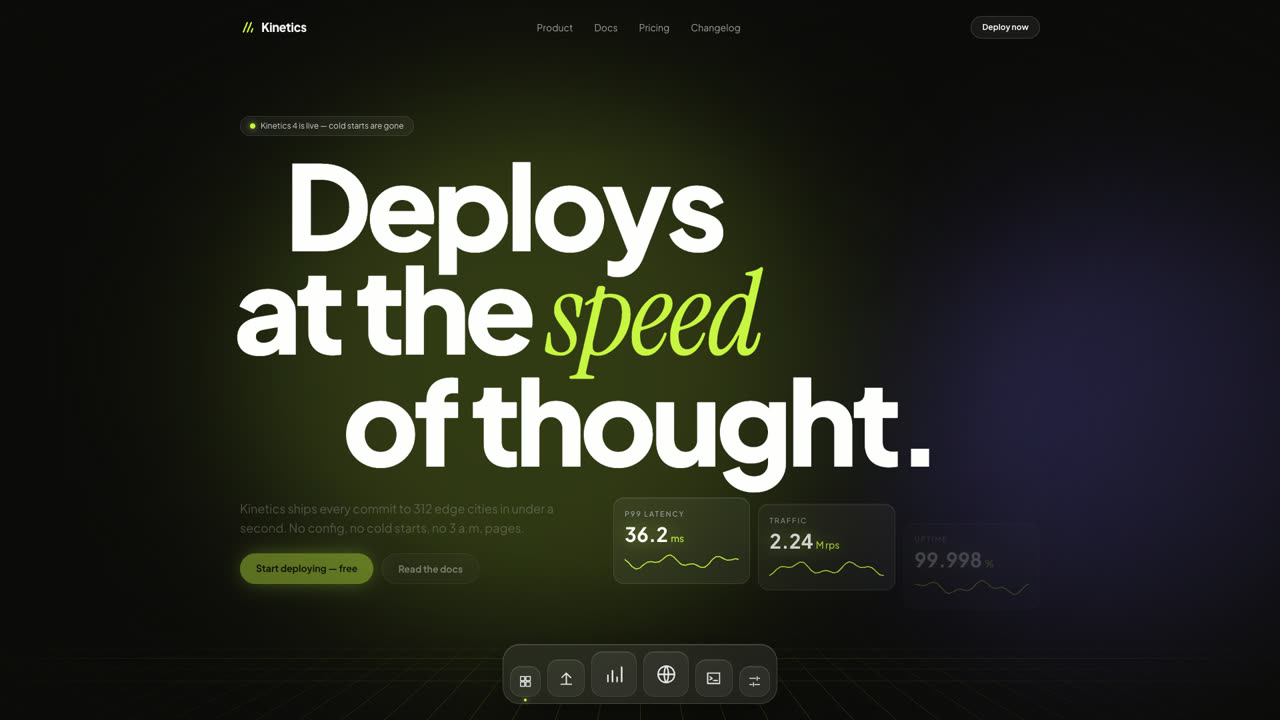
Kinetics
Hero SectionA dark SaaS hero where giant type slides with scroll inertia, glass stat cards tick like a live dashboard, and a frosted dock magnifies under the pointer. Pure DOM and Framer Motion — no canvas, no images.
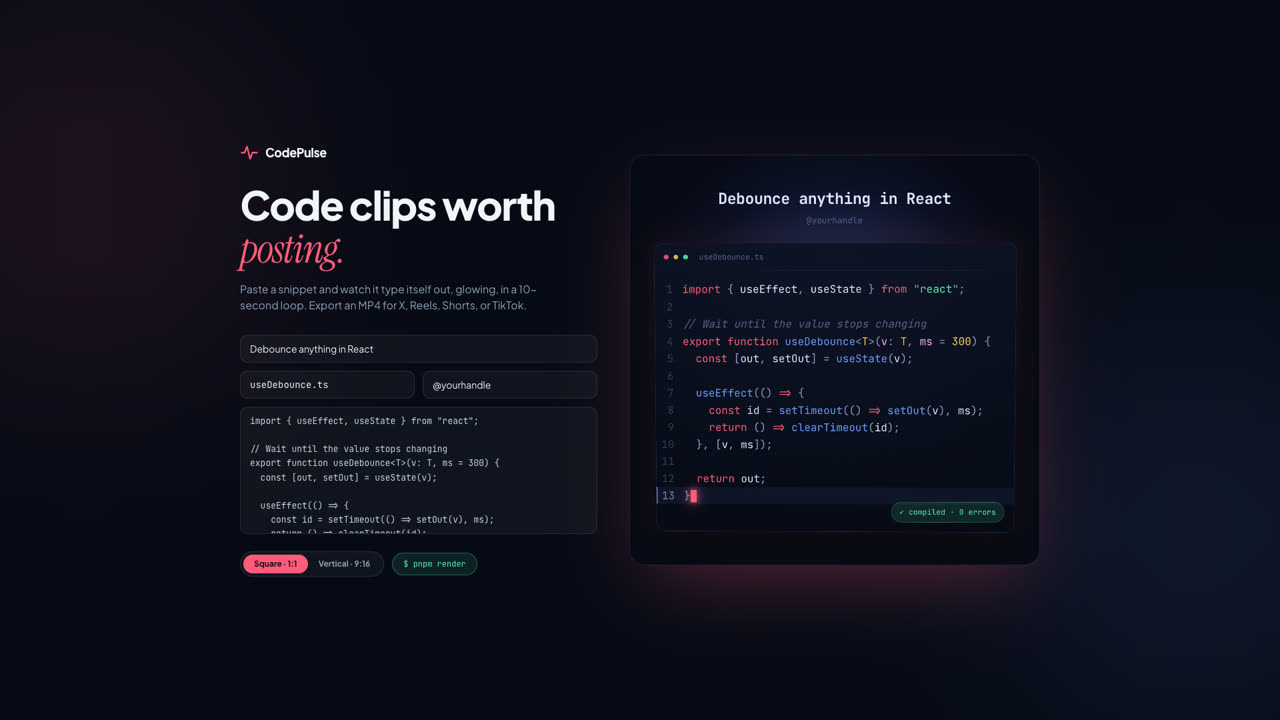
CodePulse
ToolPaste a snippet and export a glowing, typed-out code clip as MP4 — square for X, vertical for Reels, Shorts, and TikTok. A Remotion composition with VS Code-grade highlighting and a live browser preview.